Draw from a rule
A poster needs a field of contour lines behind the headline, or a guilloche border like the one on a banknote. Until now that meant a second program, a plugin, or an afternoon with the pen tool. Popcorn now draws it from a rule.
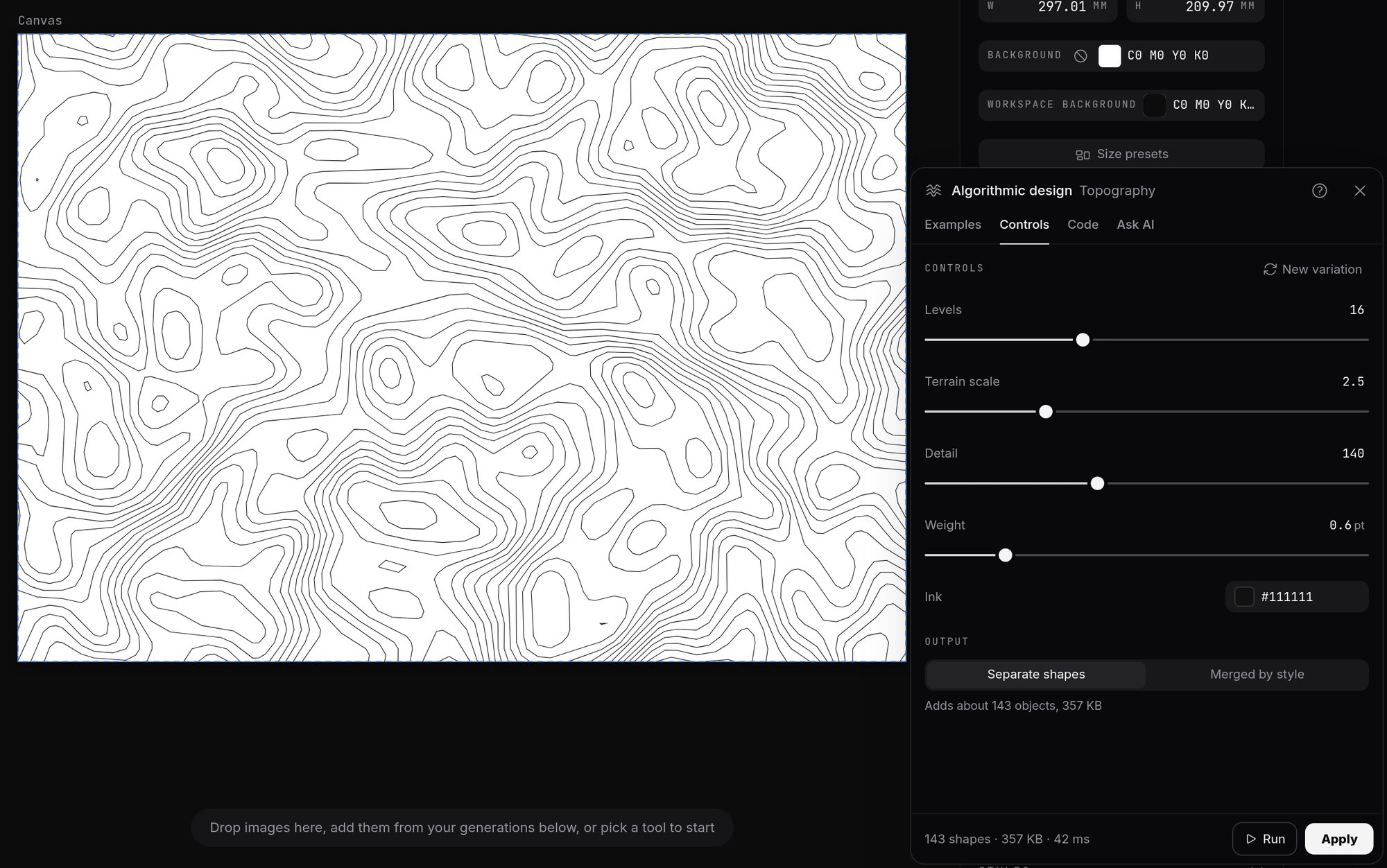
The Topography example. Every slider redraws the map on the canvas.
Pick an example, move a slider
Algorithmic design opens a menu of examples: ridgelines, contour maps, moiré, mazes, guilloche, circle packing, blends and warps. Each comes with sliders. Move one and the drawing follows: more lines, a tighter spiral, a wider gap between circles.
When it looks right, it lands on the canvas as ordinary shapes. They can be recoloured, cut, grouped and moved like anything drawn by hand, and the whole placement undoes in one step. What reaches the printer is plain vector paths.
3D, flattened for print
Some examples are built in three dimensions and come out flat: a wireframe terrain, an isometric city block, a word extruded into a solid. Each is drawn as the eye would see it, in vector shapes, so it prints as cleanly as a line drawing.
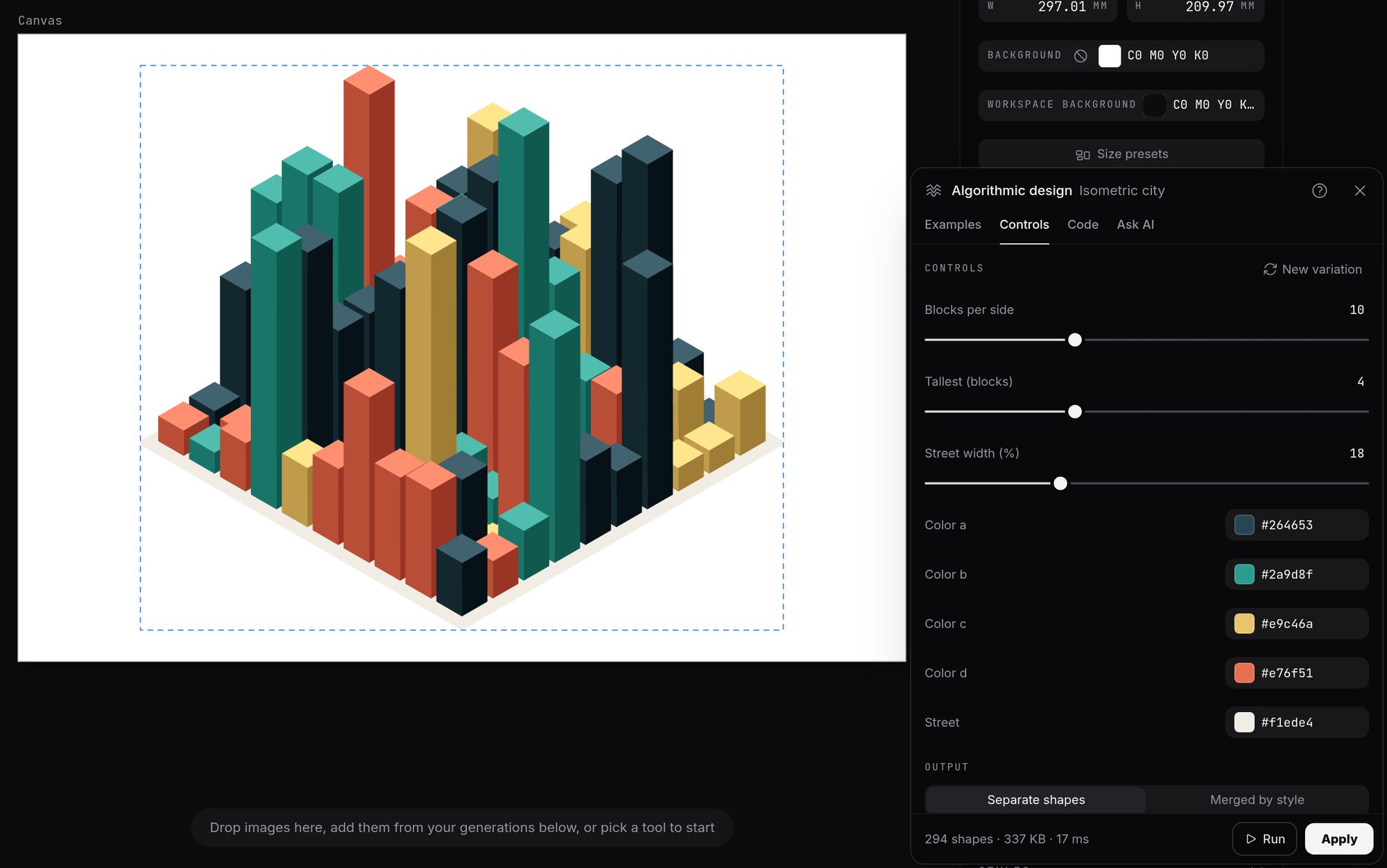
Isometric city, one of the 3D examples, with sliders for the number of blocks, the tallest block and the street width.
Extruded text uses the font that is selected. Type a word in the brand typeface, set the depth and the angle, and the letters come out as solid lettering in that typeface.
Ask for a rule in words
For a pattern that is not in the menu, an assistant can write the rule. Popcorn offers a prompt to copy into a chat assistant. The reply is pasted back and runs on the canvas like the built-in examples.
Scripts run sealed off, with no network, so a script can draw but cannot fetch or send anything. A team that would rather not use scripts at all can switch the feature off.
Each example, and the 3D set, has a page in the documentation.
Long documents, easier to arrange
Smaller changes make a long document easier to handle. Drag a box across empty space to select several canvases. In page view, drag canvases into a new order. Alt-drag duplicates a canvas, and the copy lands next to its original. Arrow keys nudge a selection.
For how Popcorn sits alongside the foundry's other products, see What the foundry's products do.
What the foundry's products do
A DJ booth, a music generator and a database, in a tab
Draw the joint, see what the saw will make
Want the longerversion of any of this?
The longer version is usually the interesting part. Just ask for it.