Draw the joint, see what the saw will make
A brace meets a post at 52 degrees, and the post is rolled a few degrees off square. The carpenter wants a pegged, housed tenon there. A catalogue of standard joints gets close to that and no further. Boomkikker now lets the joint itself be drawn.
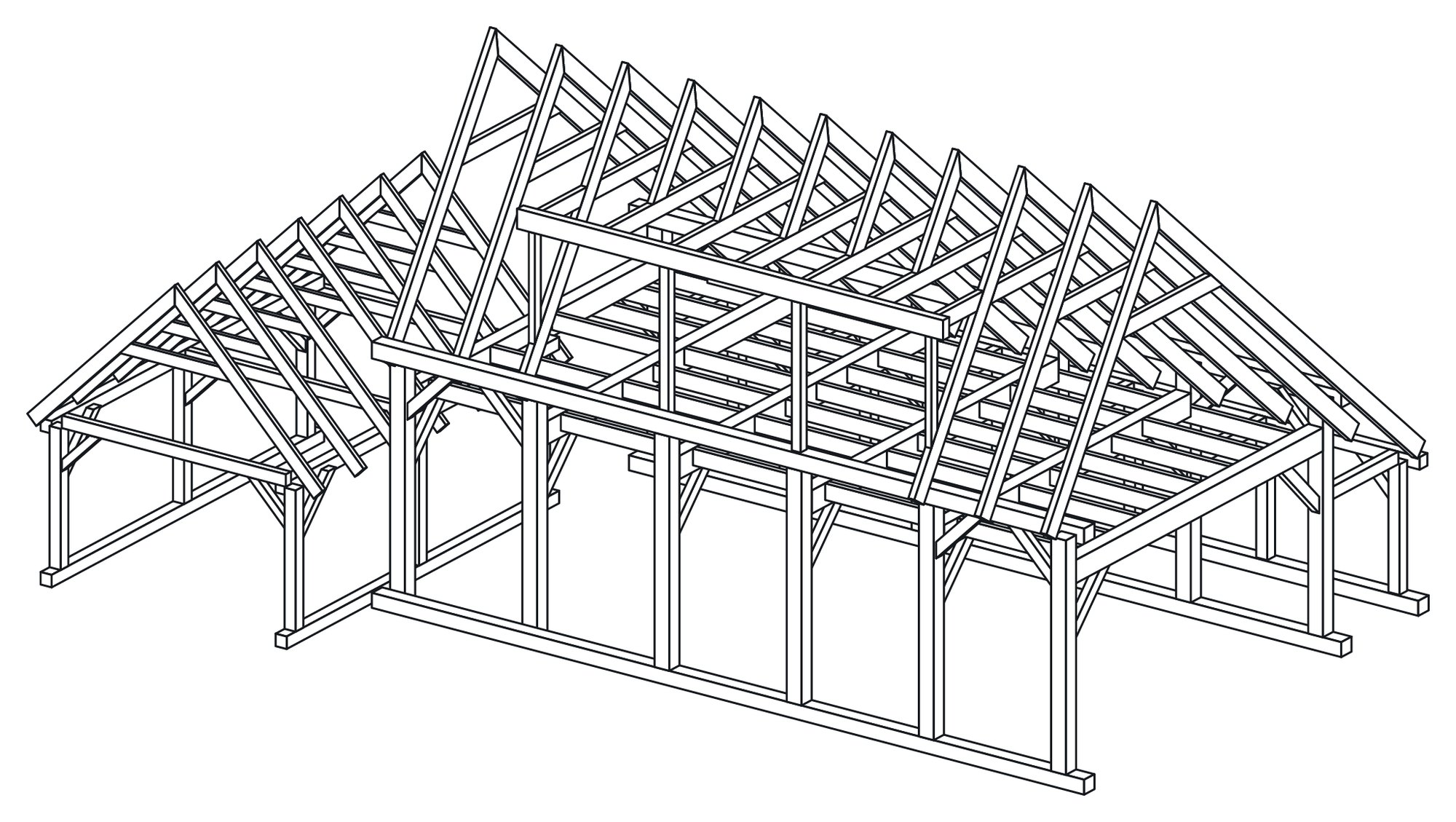
A house frame from Boomkikker's example library, drawn by Boomkikker itself.
Design a joint once, use it wherever it fits
The joint designer sits next to a live 3D view of both parts, cut as the joint is edited. A joint is built from operations a workshop already knows: housings, pockets cut in three dimensions, drillings, a peg through both parts, rebates and grooves.
It follows the geometry it is given. Members can cross at an angle, be rolled about their own axis, or end on a skewed cut, and the joint stays where it was put.
Joints at the end of a member are covered too: housed tenons, T housings and knife plates. So are the classics that used to be approximated: dovetails, tenons at any angle, sliding dovetails, double tenons and a Japanese tenon.
A finished joint is saved once and applied to every crossing it fits. A frame with sixty identical brace connections needs the joint designed one time.
See the part the way the file will cut it
Before anything leaves the office, the export shows each part in 3D as the machine file will make it. That is not the design view. It is what the file describes.
Work that no workshop has confirmed on a machine yet shows in amber. Anything the file will leave out shows in red. Any item can be left out with one click. Warnings are in workshop words, "Drilling, countersunk" rather than a code, and work that only some machines can cut carries a Specialised machine label. Everything goes out as one ZIP.
A 3D model comes in as a frame
Not every job starts in Boomkikker. An IFC or 3DM model now opens directly, in its own units. Tenons, rounded mortises, stepped housings and bores along the grain come in as joinery that can be edited, and since 9 October so do dovetails.
What the import cannot read is marked for review, not guessed. Parts the file describes as steel, concrete or stone are set aside. Pegs and rods in the model come in as fasteners.
Bolts and pegs belong to the design
A bolt, threaded rod, peg, screw, anchor or post shoe can sit at a joint. Its holes are drilled through every part it passes, its length follows the stack, and the hardware list counts it. Move the parts and the bolt moves with them. To place one by hand, press ; then F and click a face.
An address of its own
boomkikker.com is live, and the app is at app.boomkikker.com. The app updates itself when it opens, and About and every PDF show which version made them. Sign-in links now survive work mailboxes that open links before the reader does.
Boomkikker is in trials, open to workshops. For how it sits alongside the foundry's other products, see What the foundry's products do.
Draw from a rule
Present straight from the editor
An invoice, a tempo and a sealed message, none of them uploaded
Want the longerversion of any of this?
The longer version is usually the interesting part. Just ask for it.